Quick Access
Implementation MOPs
This Method of Procedure (MOP) package has been created for the installation of a Battery Management System (BMS) in power plants and substations, utilizing the BatteryDAQ Sentry-6002NEMA (125/250VDC) for NERC PRC-005 compliance.
The installation should be performed by qualified service personnel who are knowledgeable about batteries and the necessary precautions that should be taken.
Workflows
Safety Cautions
Please take BatteryDAQ’s in-class, on-site or remote training.
Please prepare and follow “Safe Work Plan – Electrical & Arc Flash Hazard Mitigation” guideline for specific site and battery.
[Safe Work Plan shall be available with this MOP before installation starts.]
Plan for battery offline. Prepare a temporary battery if needed.
Other client site requirements


Workflows
Part#1 – Site Survey
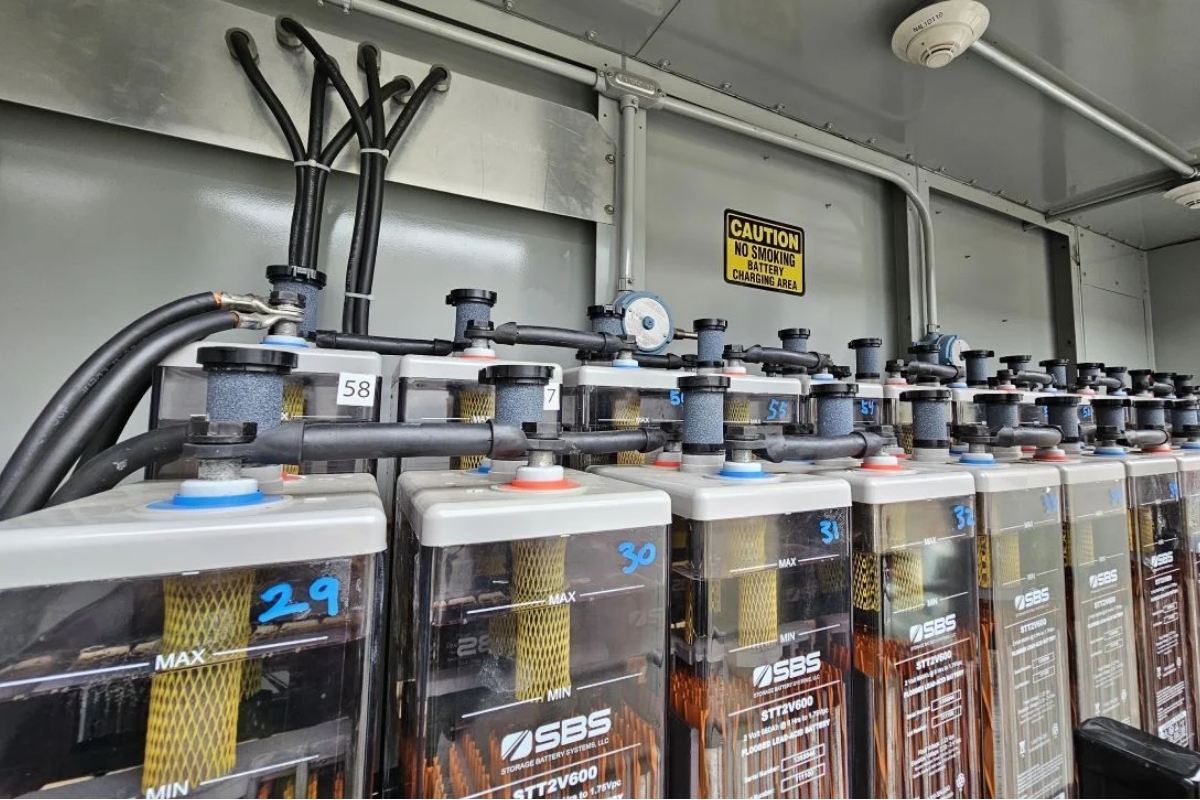
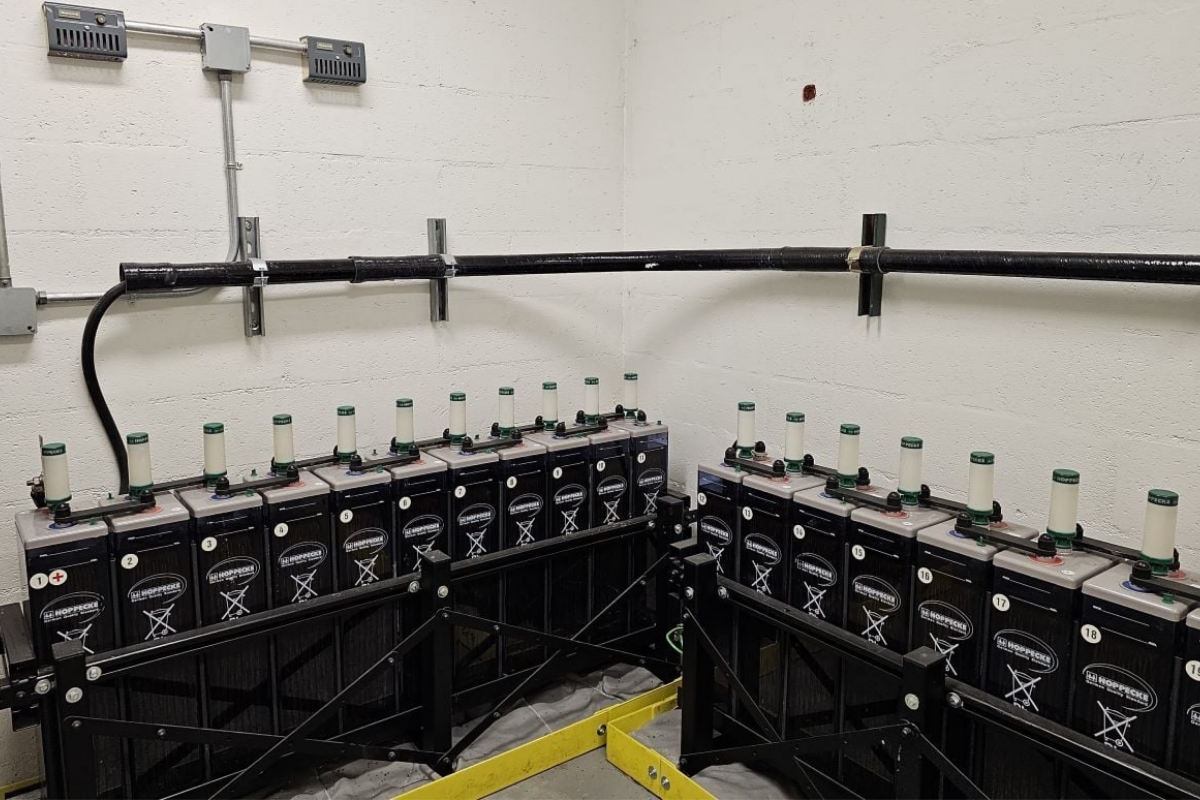
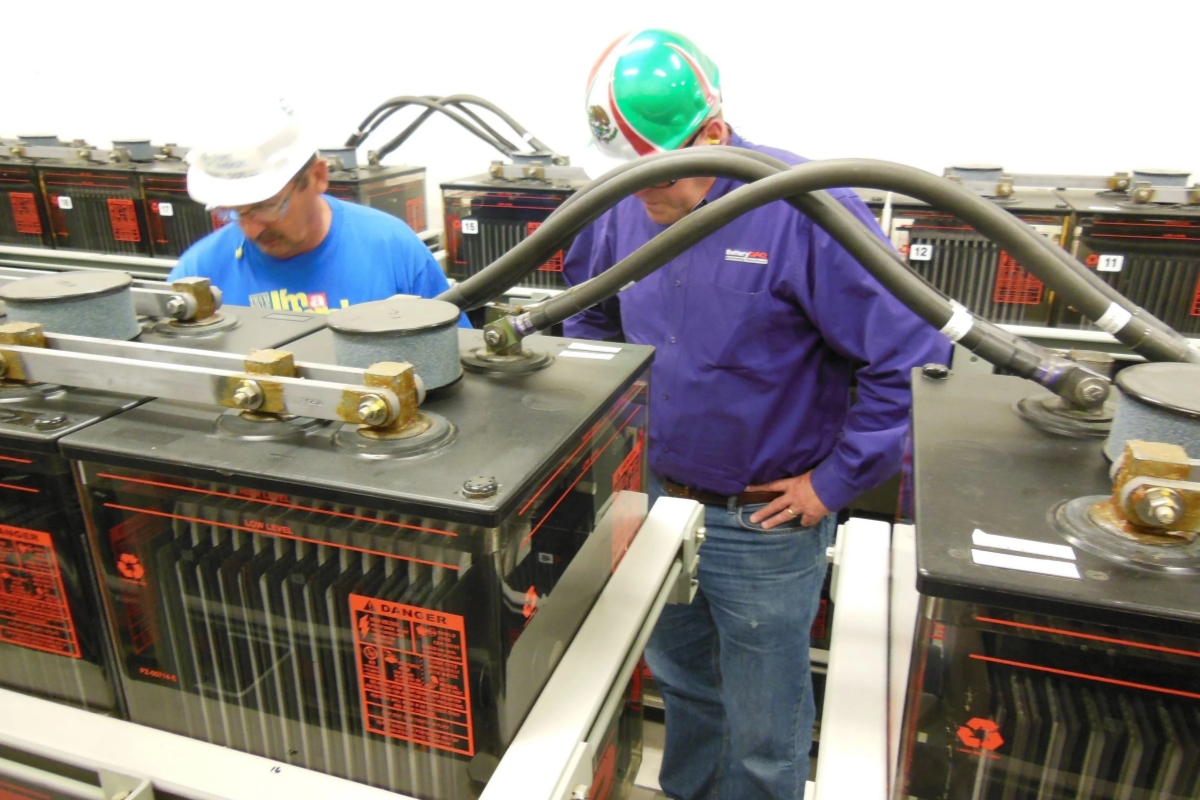
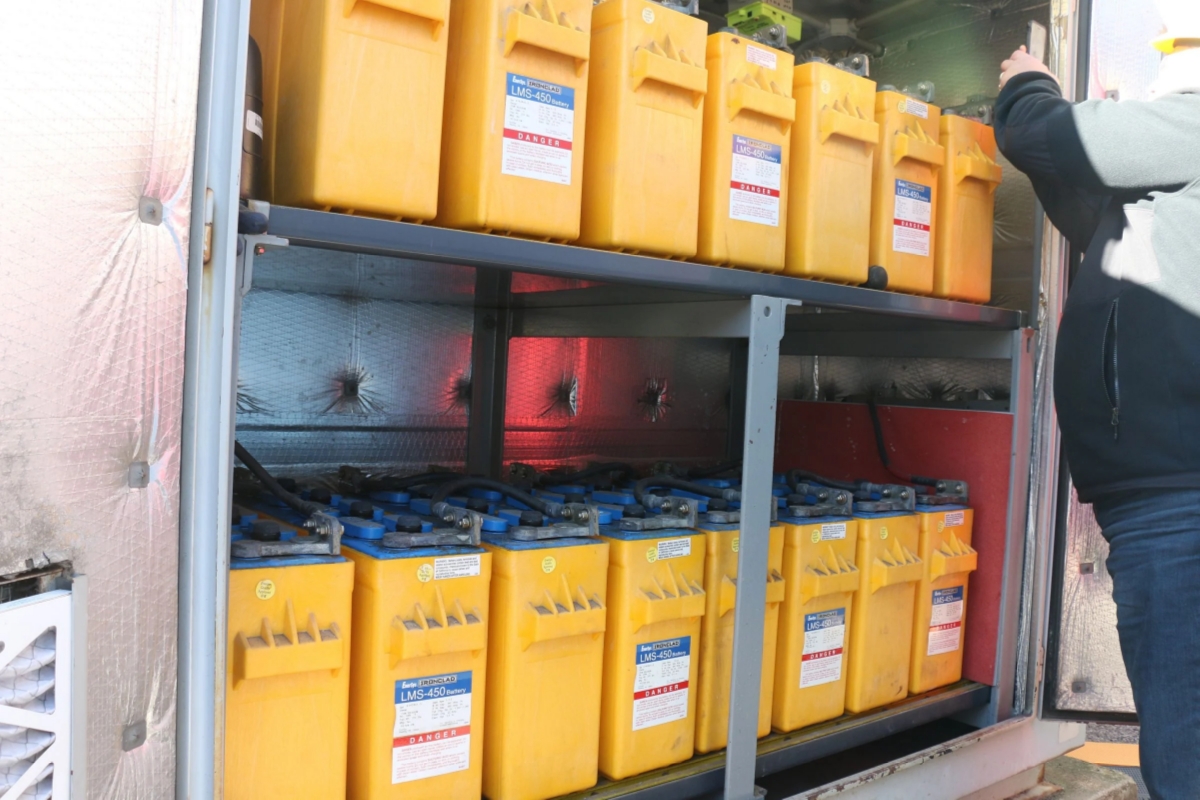
- Before ordering, or before onsite installation, a site survey is recommended.
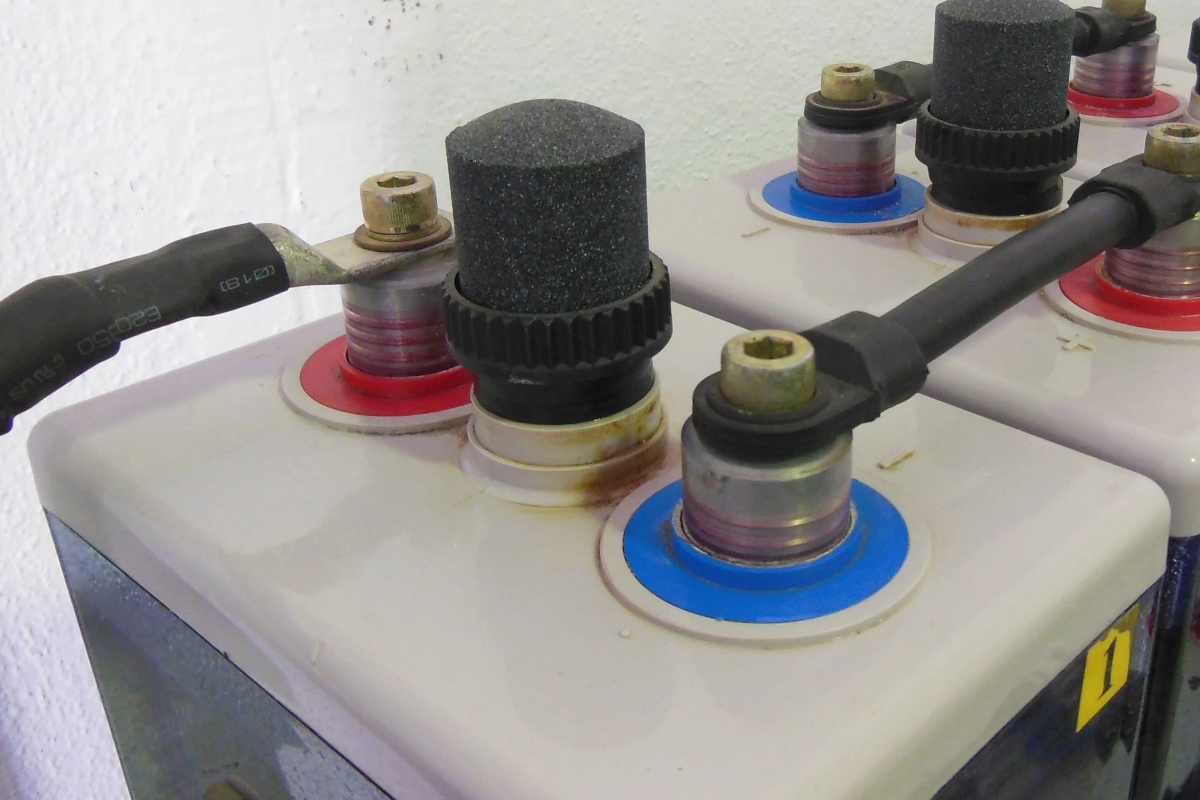
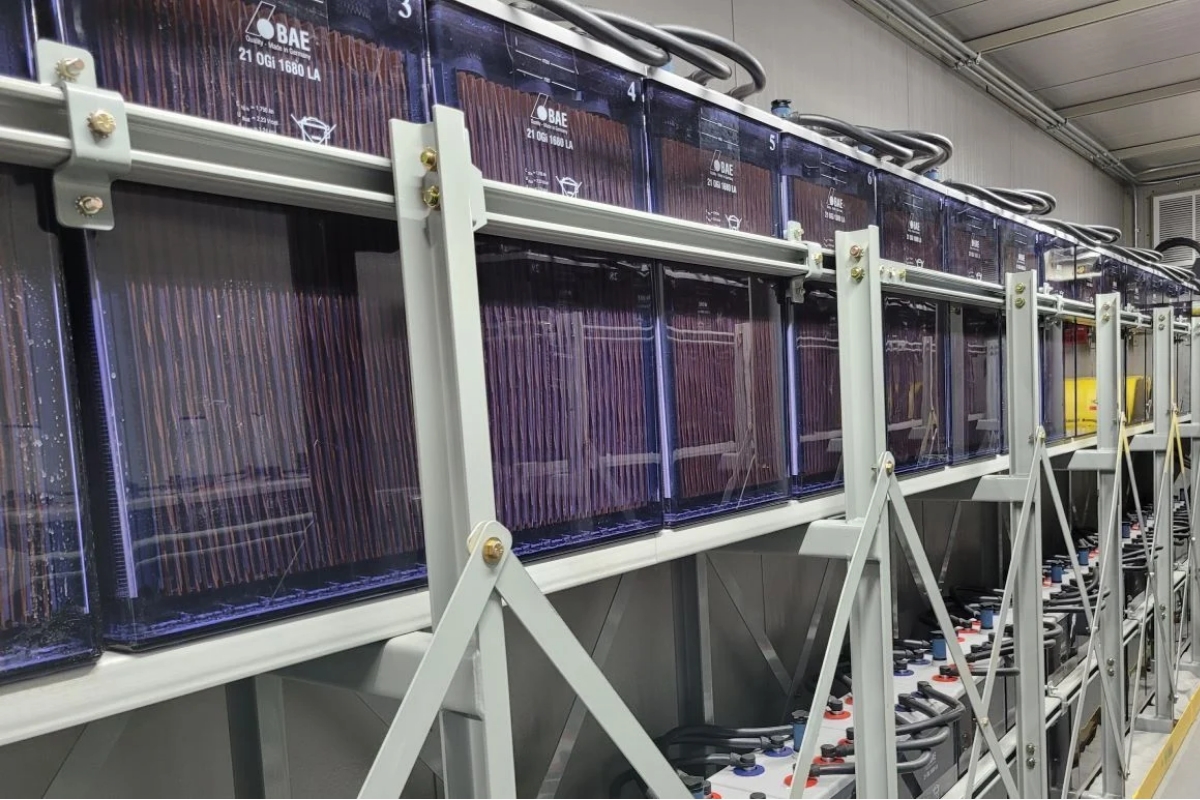
- Pay special attention to the battery type, post structure and size, battery and rack layout, and possible mounting BMS location(s).
- Please fill in Site Survey in Word document, replace or attach photos and send to BatteryDAQ.


Workflows
Part#2 Receiving and Inspection
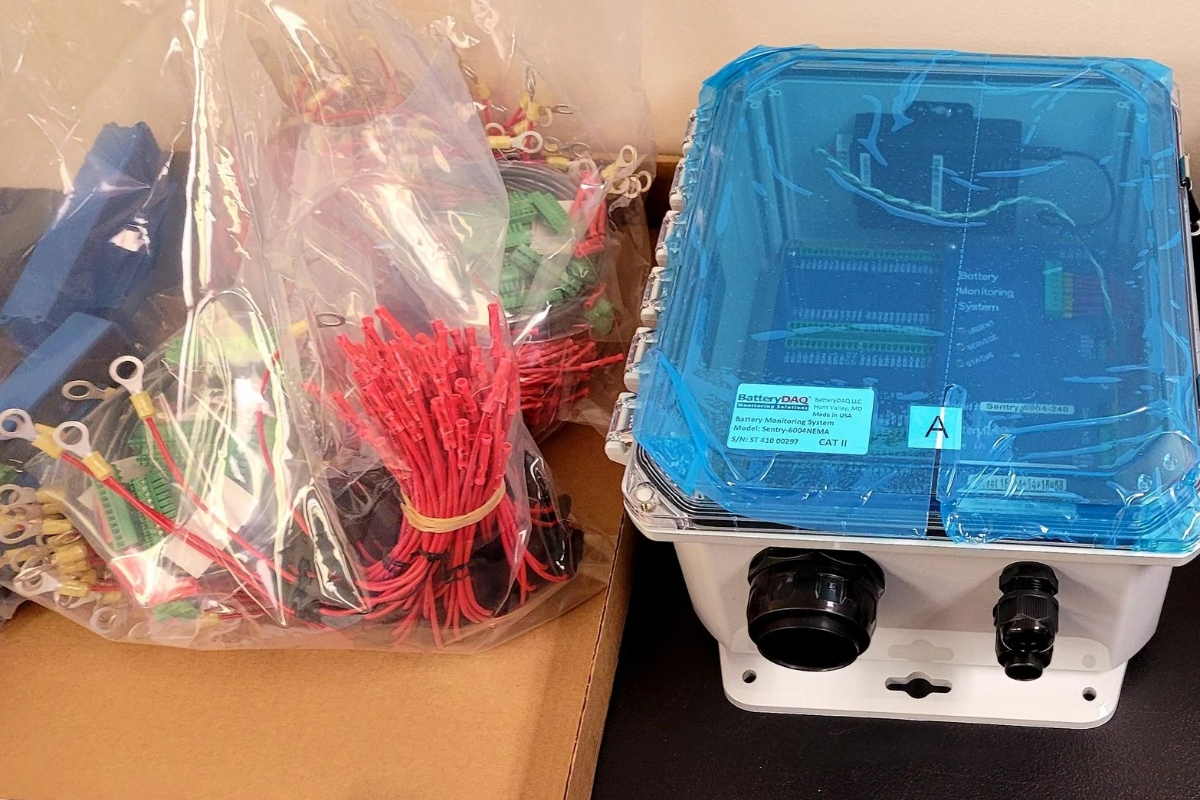
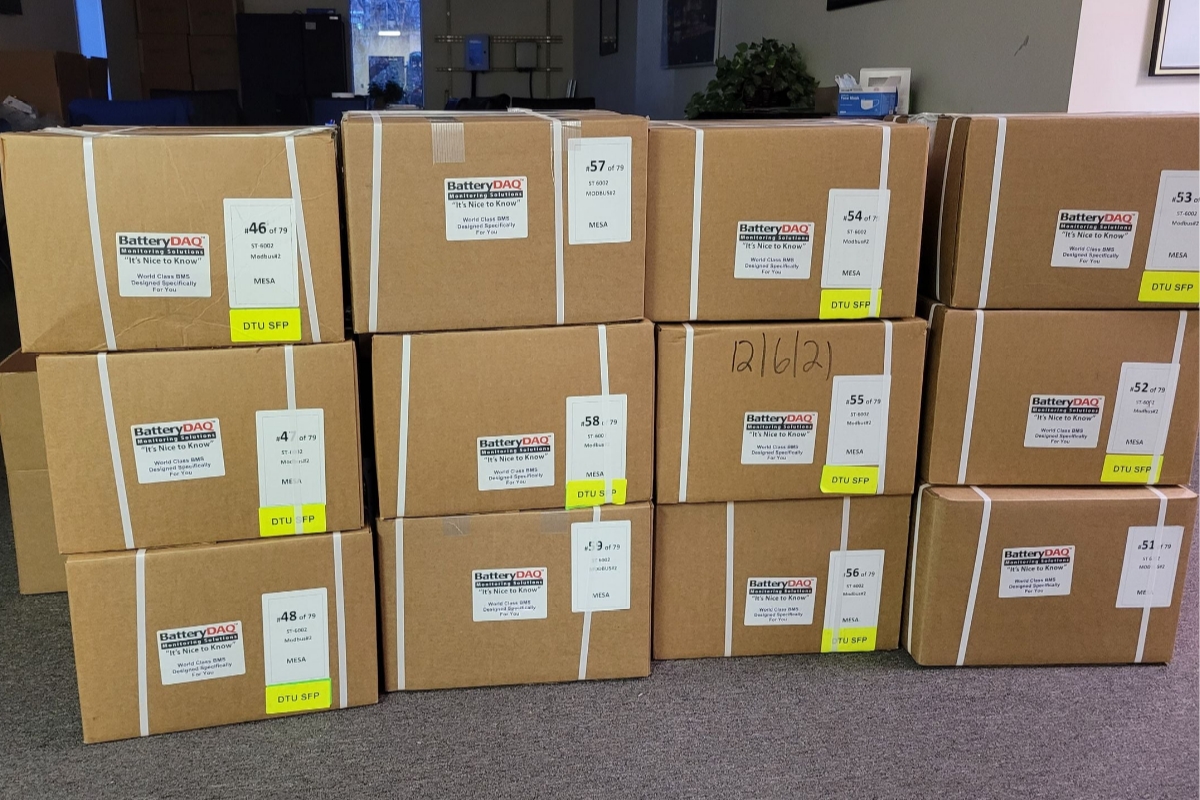
- Open box, check all items, perform initial test with a test power adapter.
- Check with HMI touch screen
- Connect your laptop to Sentry unit via an ethernet cable or the Wi-Fi adapter. Try to access DTU’s web contents. [Practice this step before going to the customer site]
Workflows
Part#3 – Mounting and Wiring
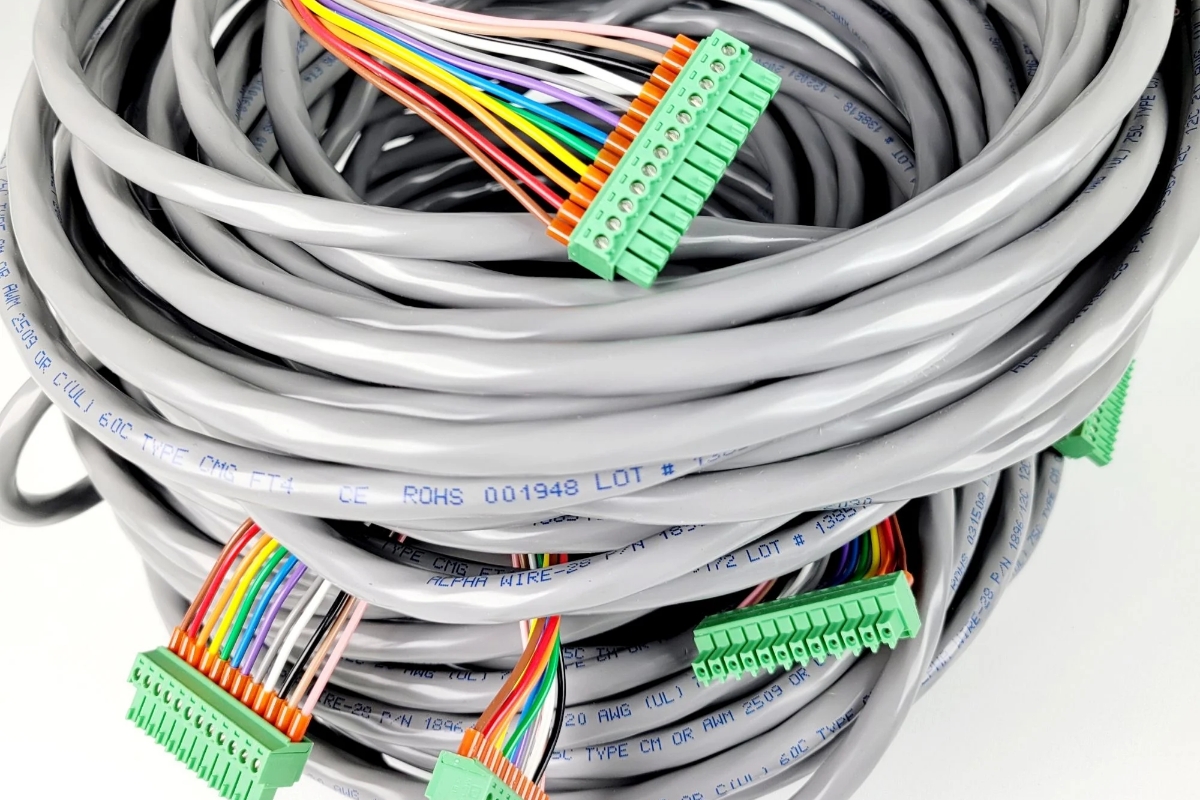
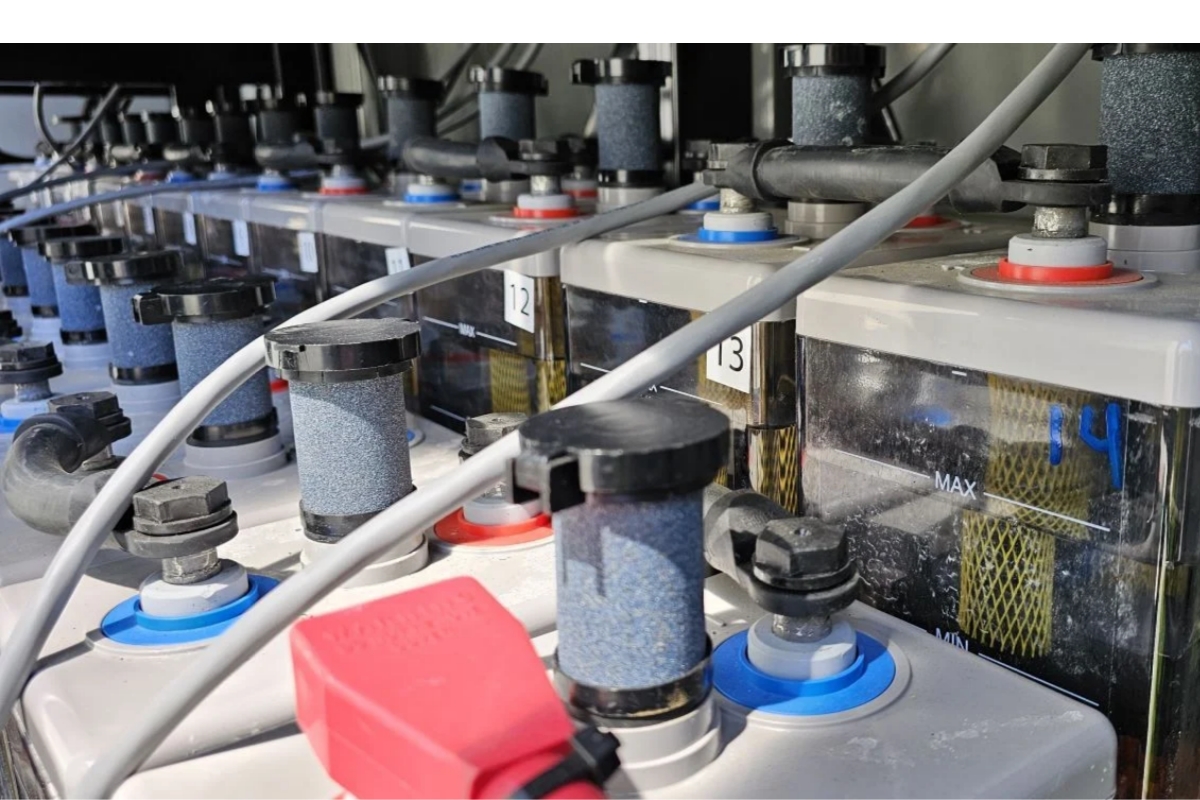
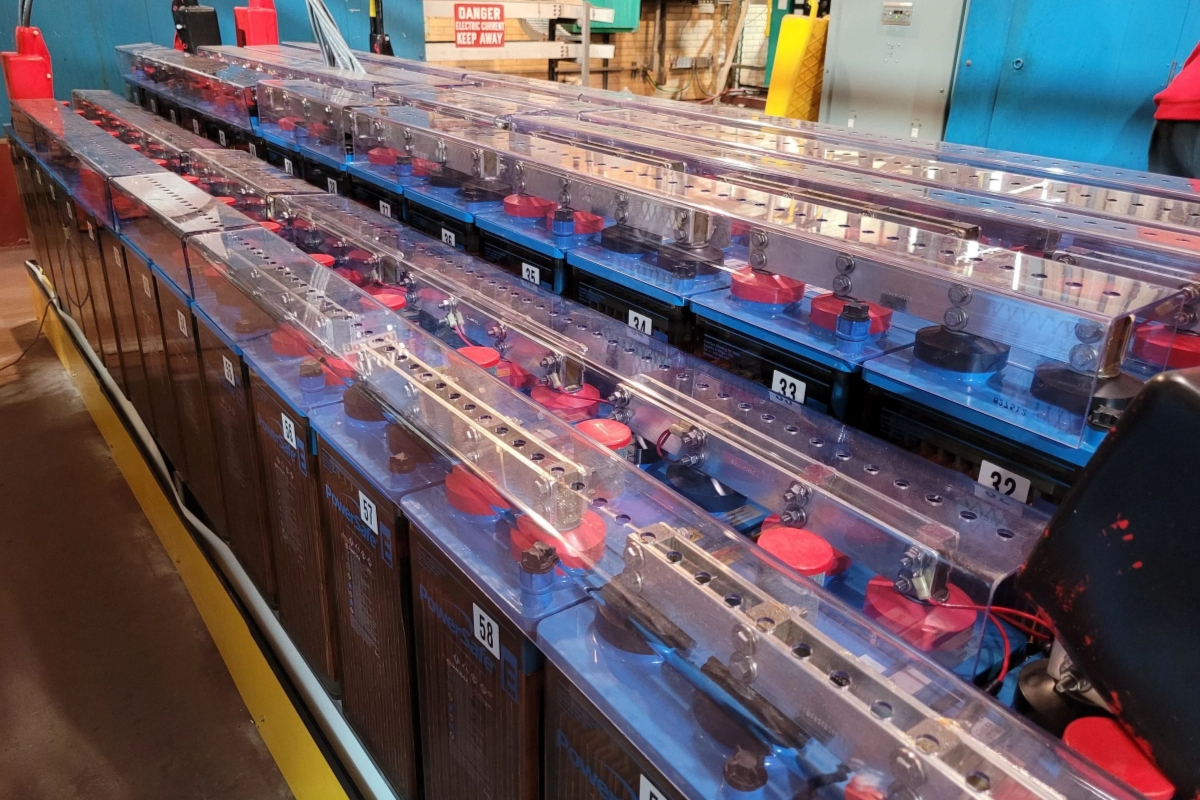
Sentry-6002 measurement unit connects to battery posts, 3 temperature probes and current transducer via 12 multi-conductor (12C) cables. Please read the panel carefully to understand the name and purpose for each pin.
Workflows
Part#4 Setting, Verification and Commissioning
- Go through the Settings.
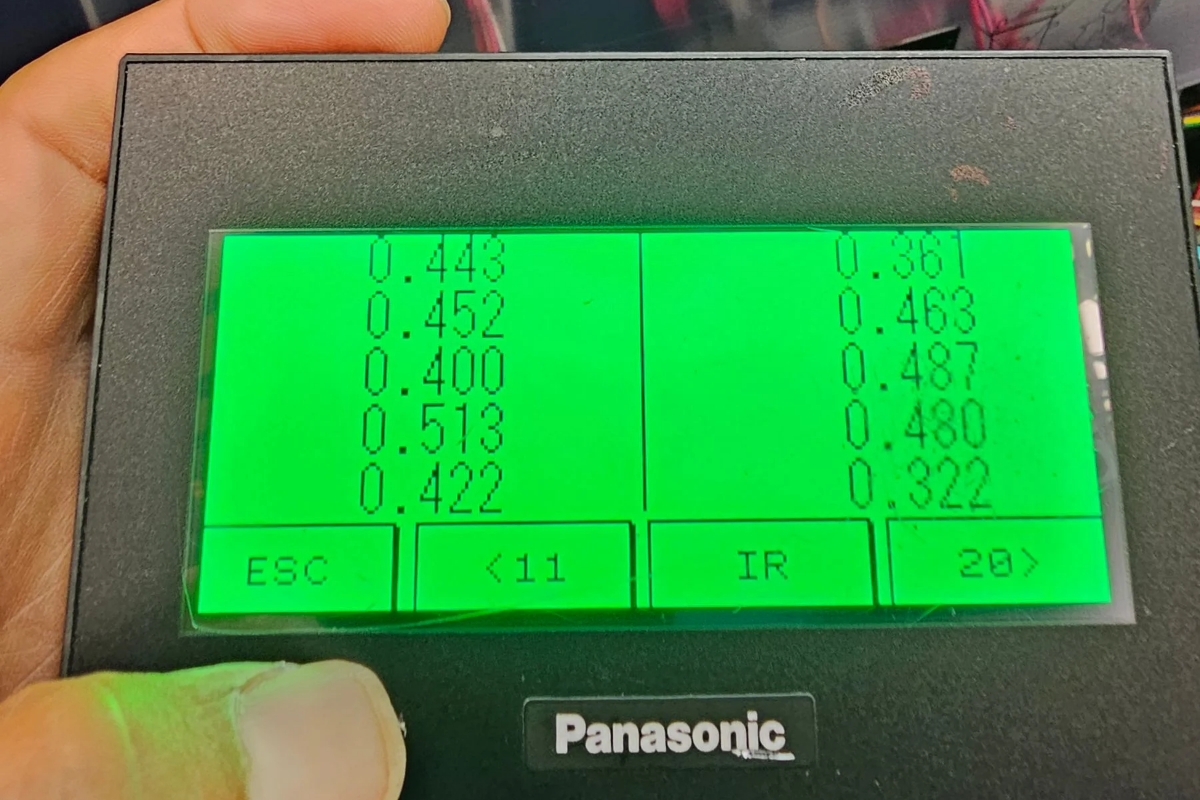
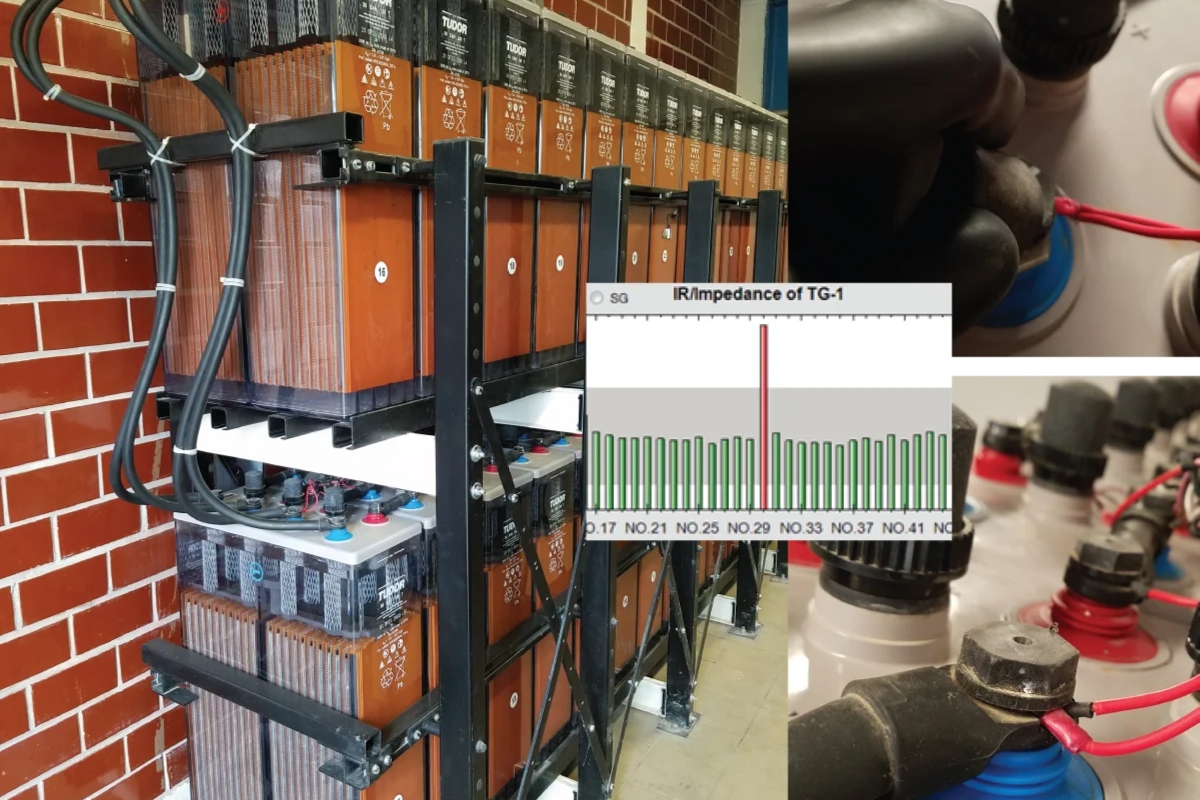
- Internal Resistance threshold has to be calculated and set to unit based on actual value.
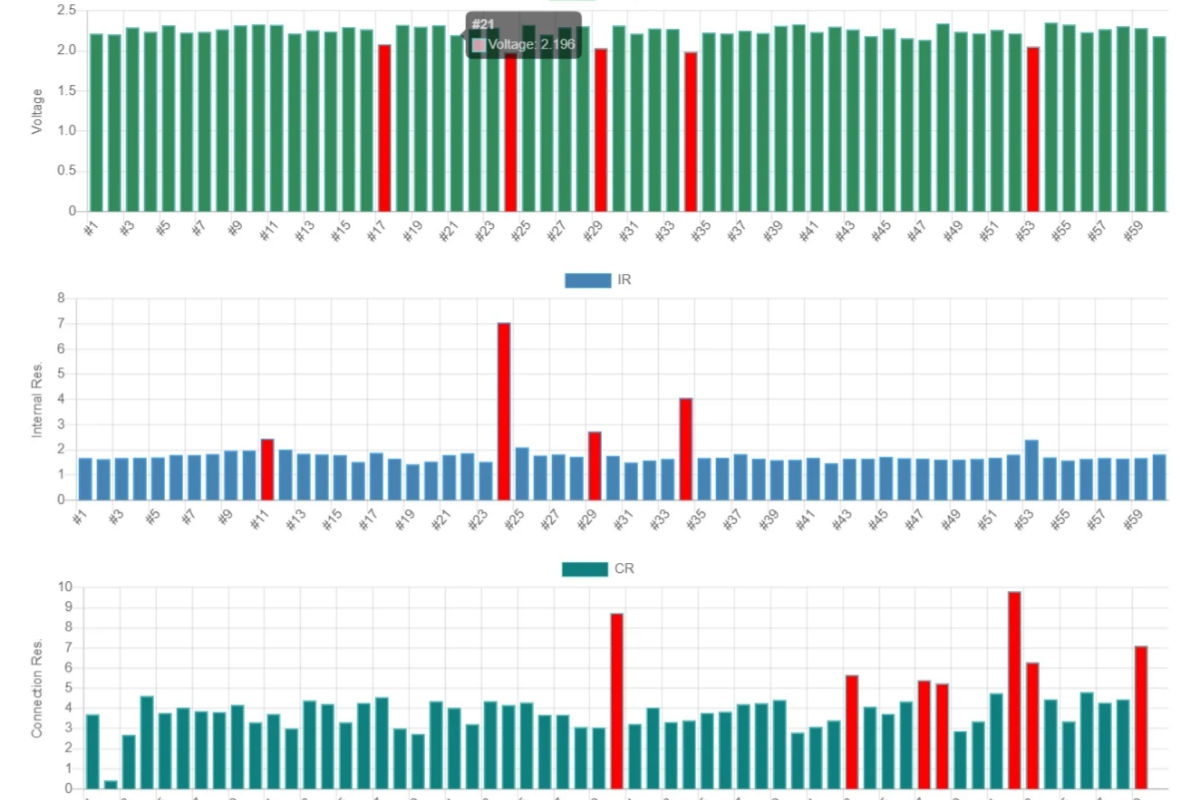
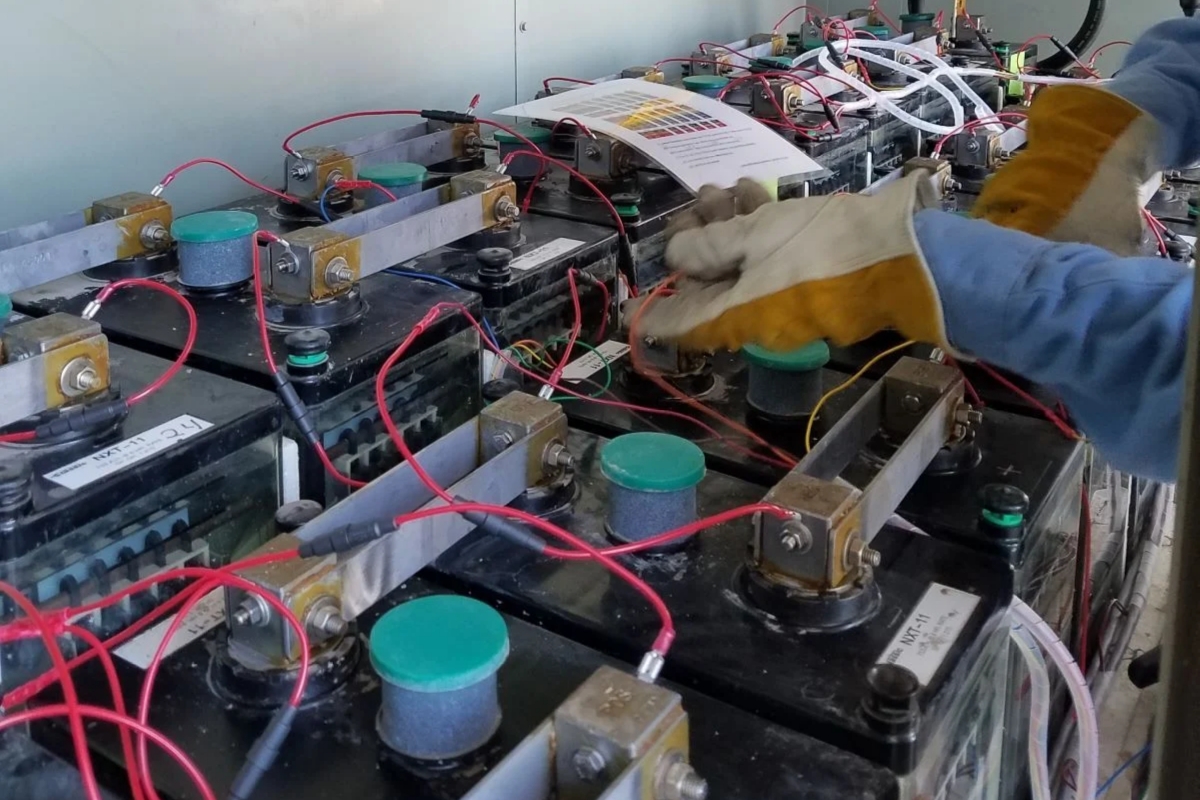
- Verify battery data. Troubleshooting any wrong connection.
- Fill in commissioning form.
Workflows
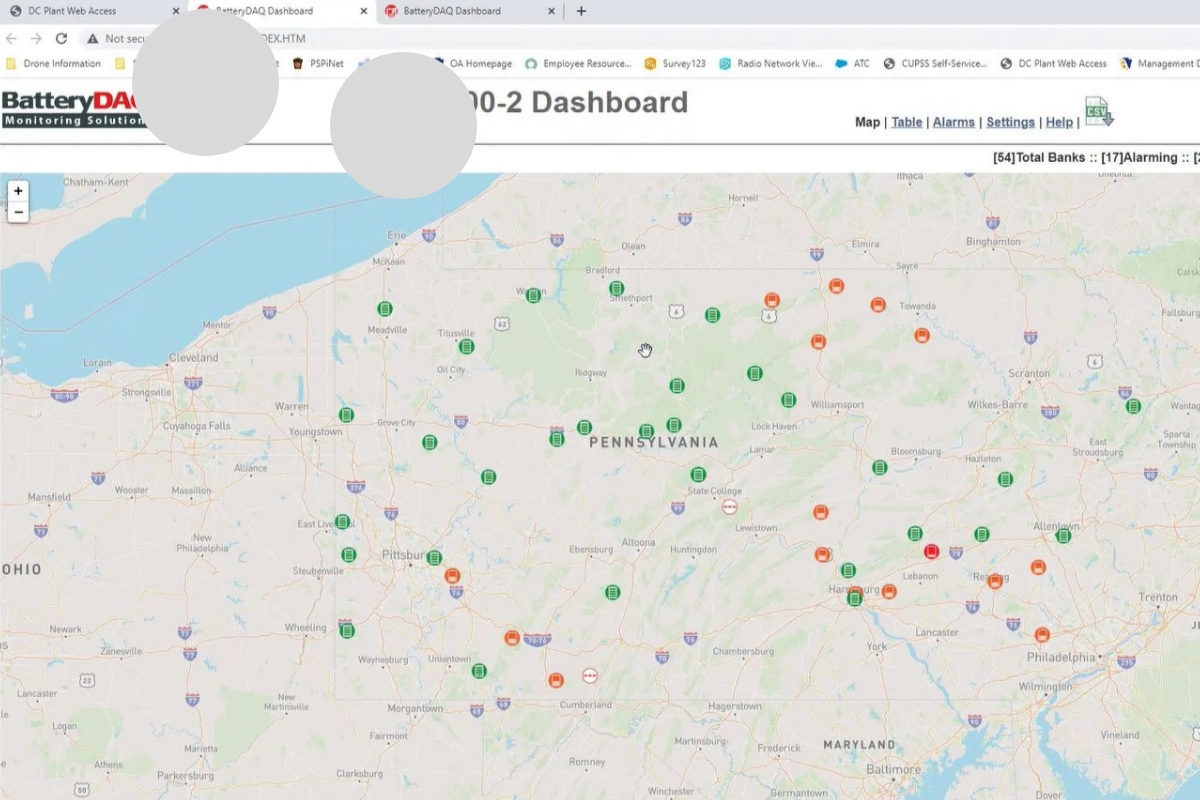
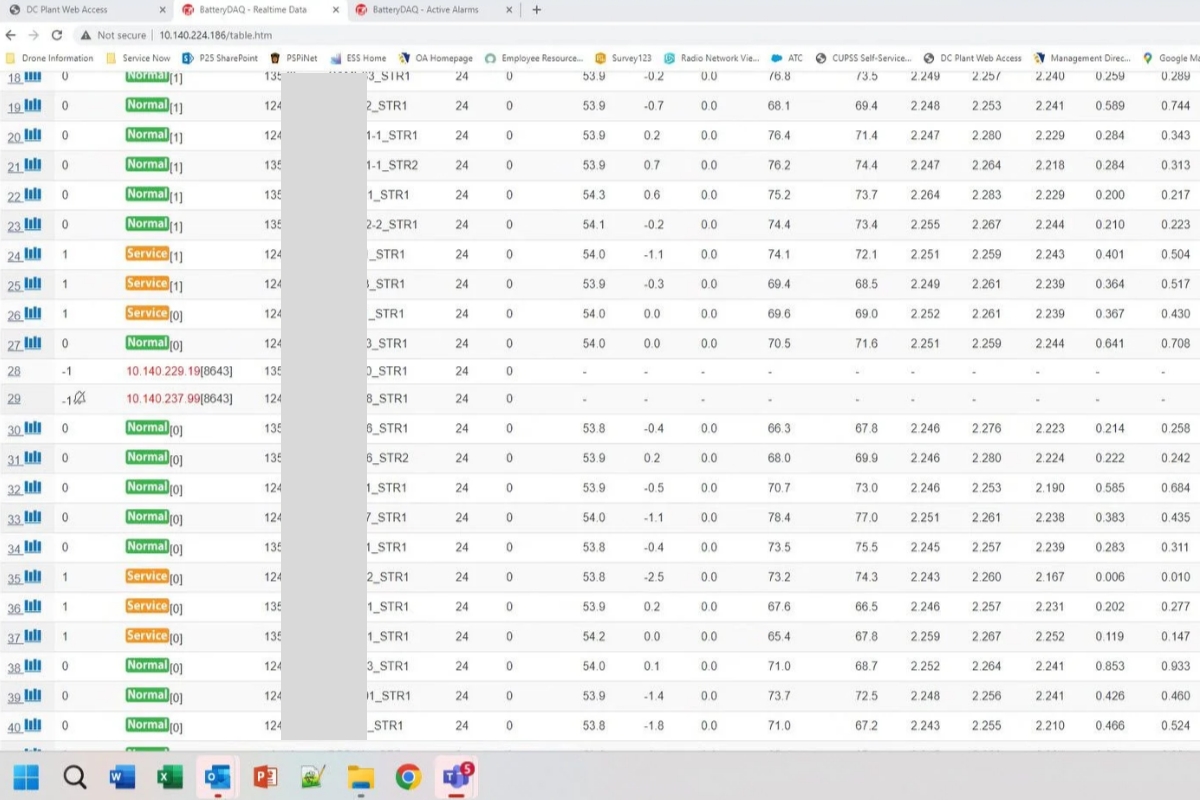
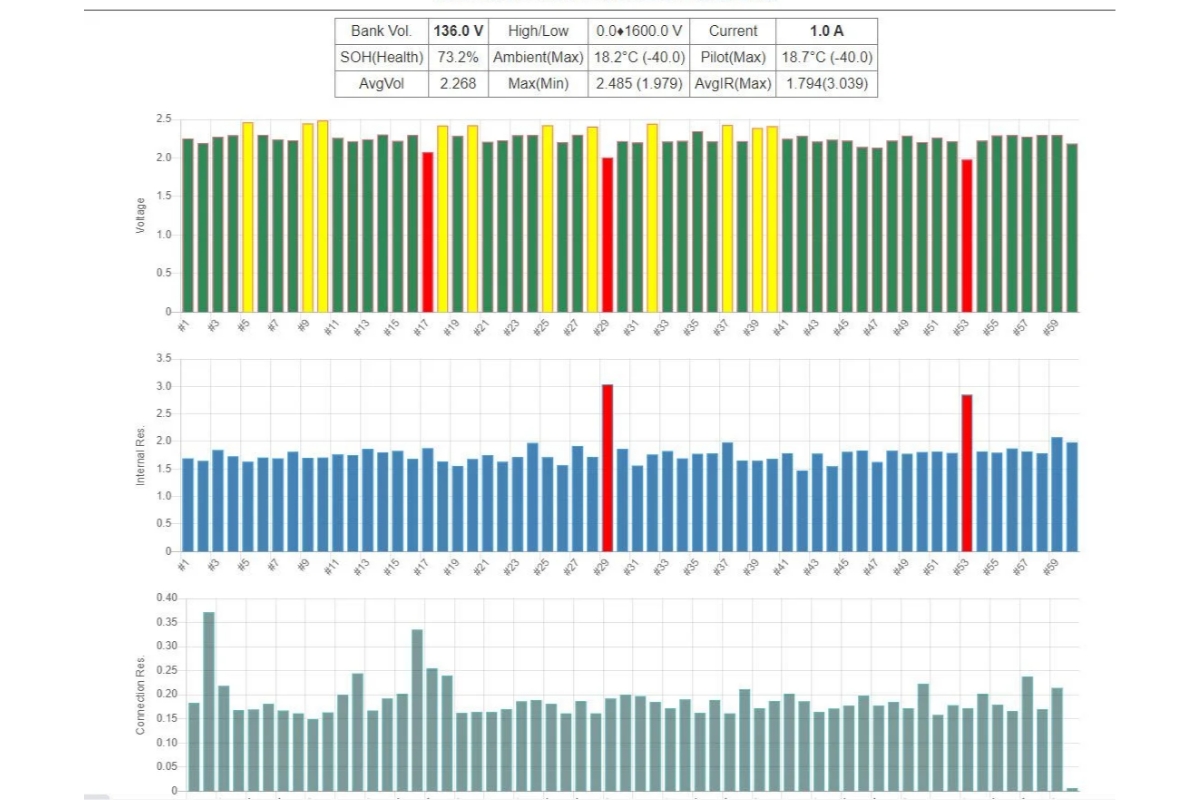
Part#5 Centralized Dashboard
- Configurate battery banks on dashboard.
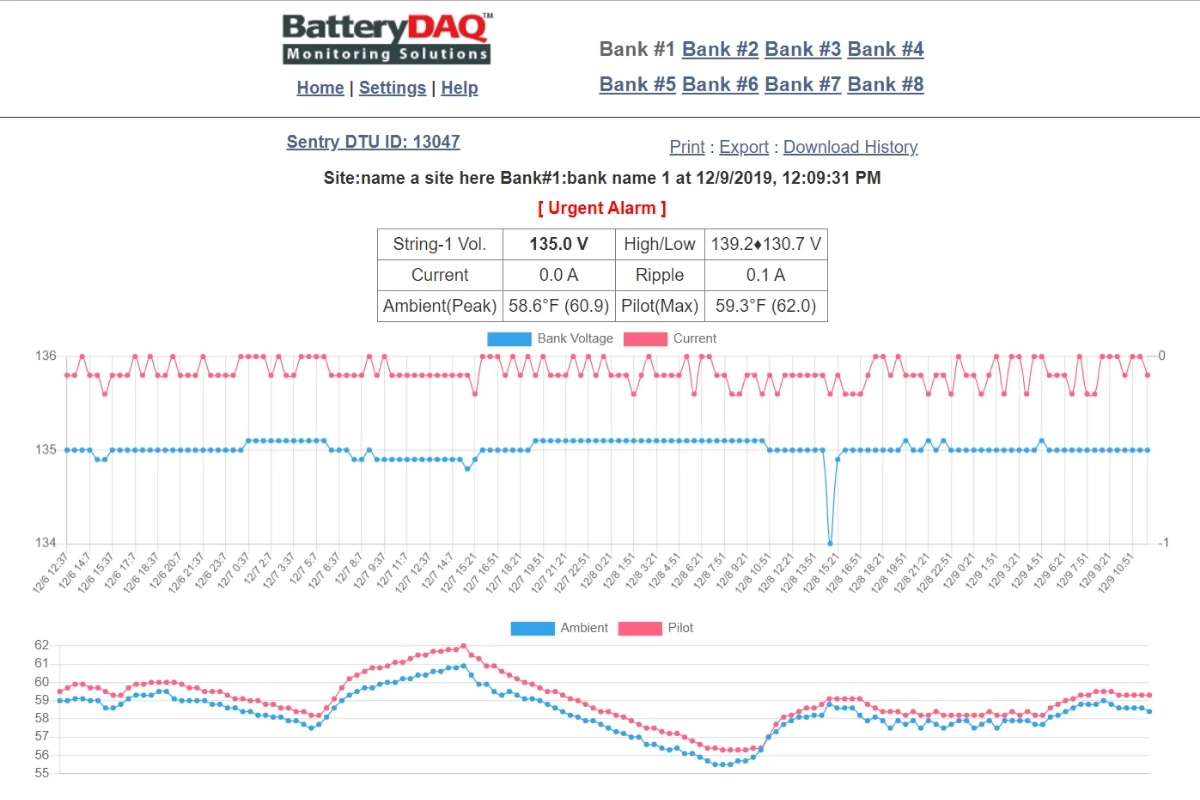
- Verify data and alarm.
Workflows
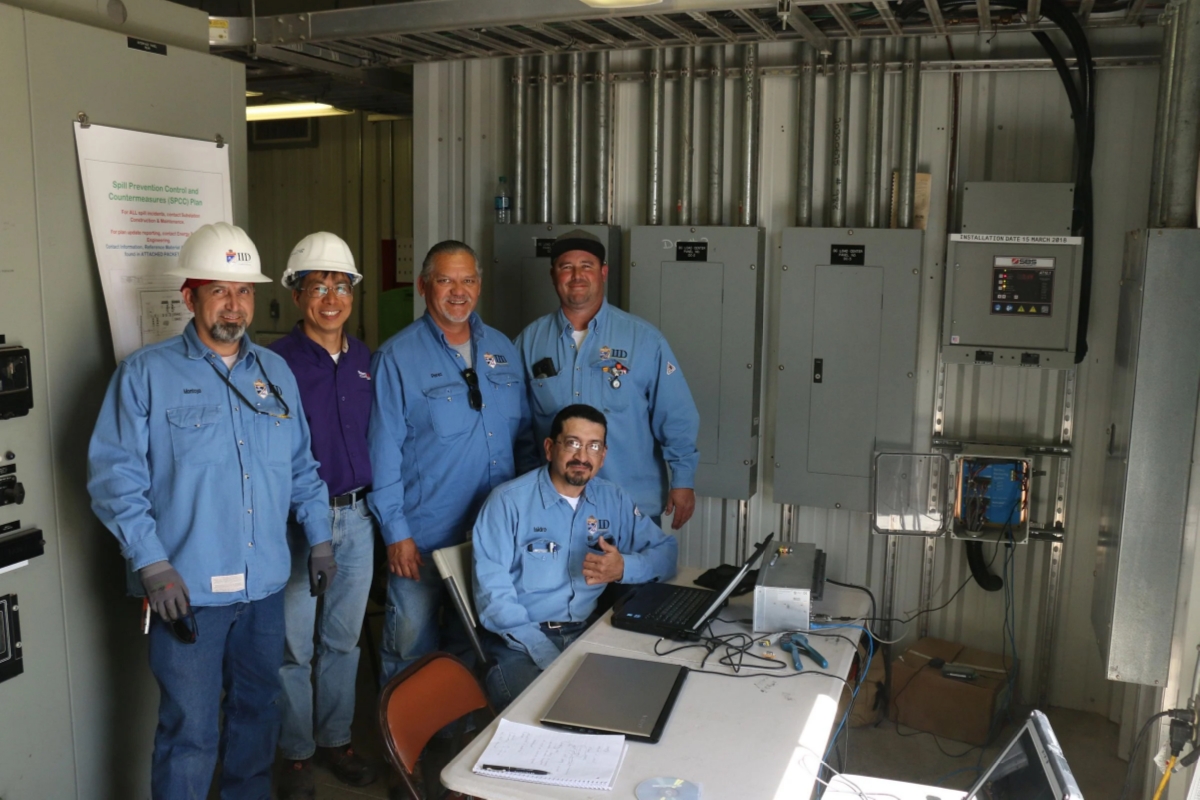
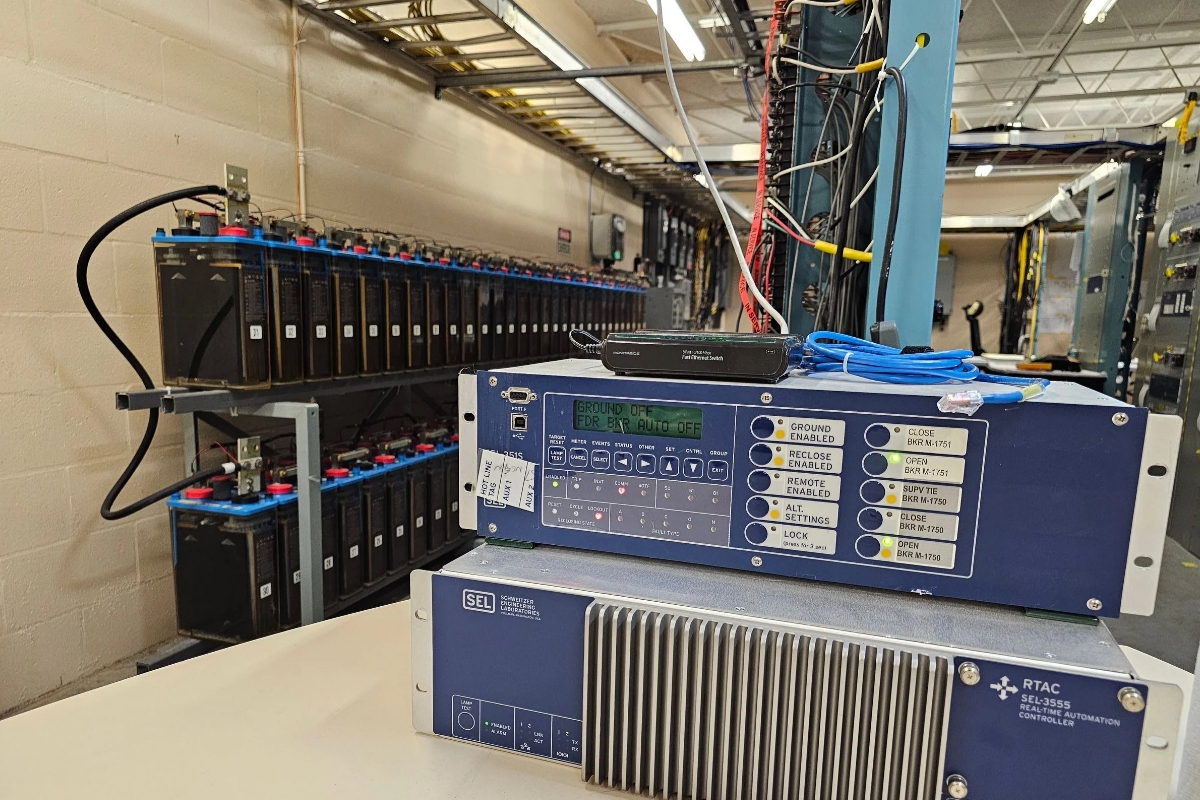
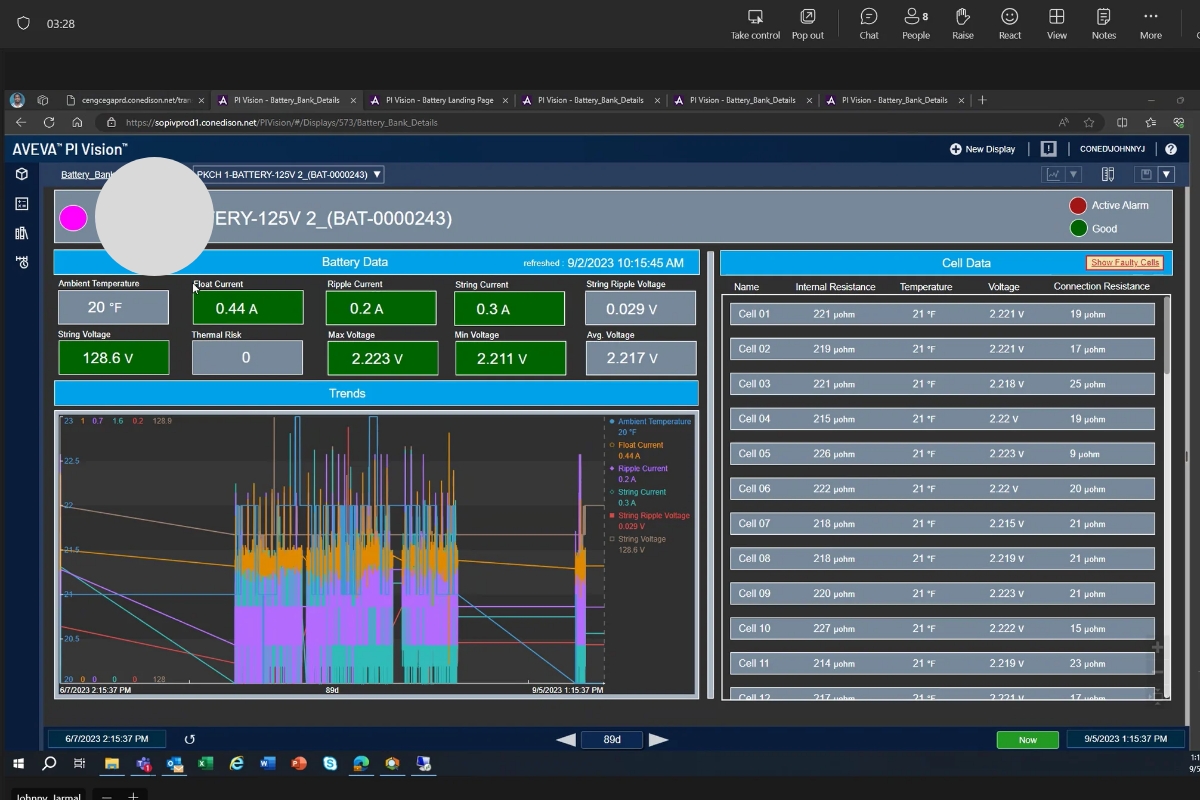
Part#6 – SCADA Integration
- Static IP setting
- SCADA data verification
- PI System integration
- DNP3 Protocol
Workflows
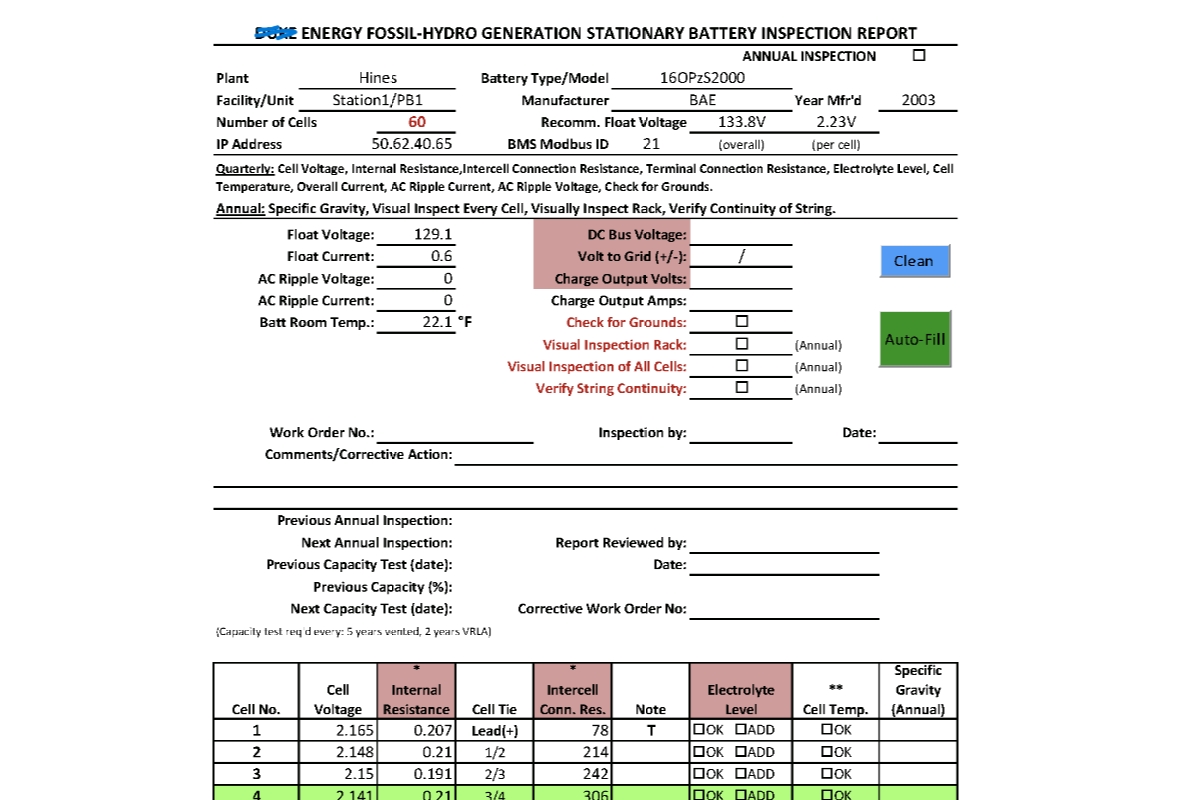
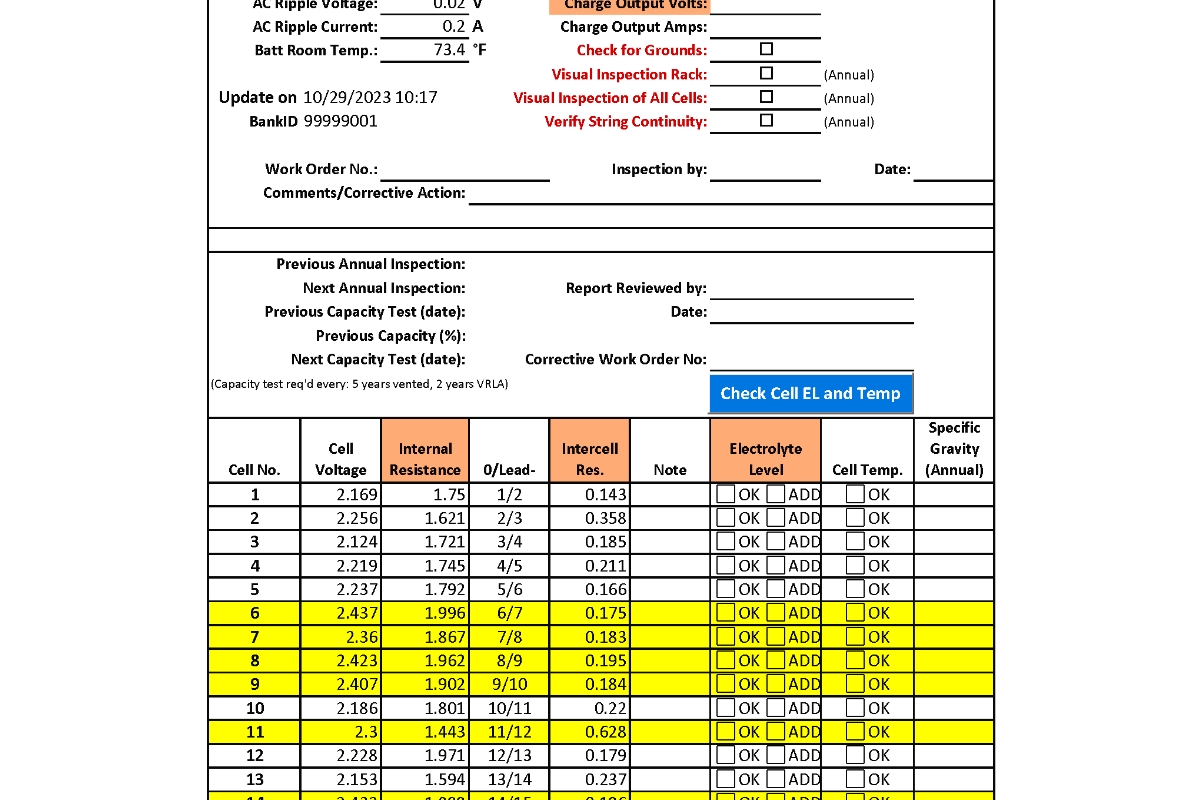
Part#7 – NERC Report
- Configure NERC Report Excel Workbook
- Fill real-time data with 1-click
- Customize report to your company’s format
Workflows
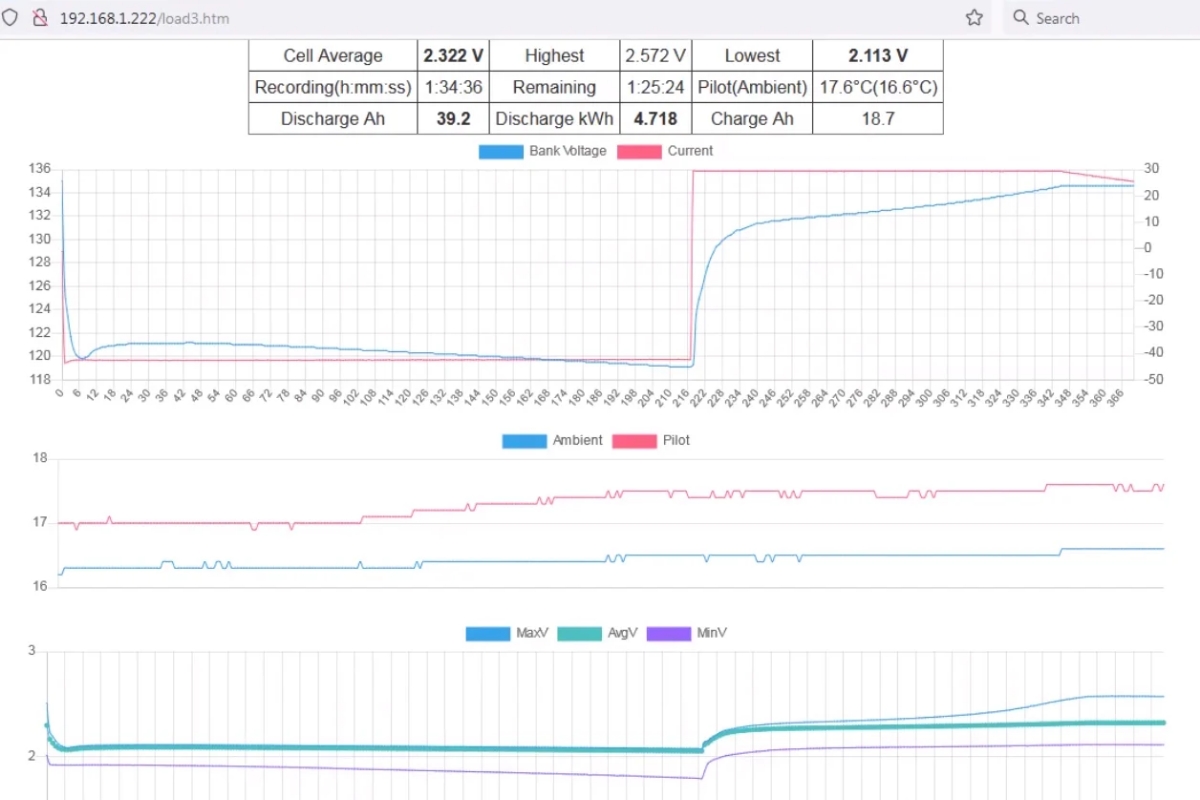
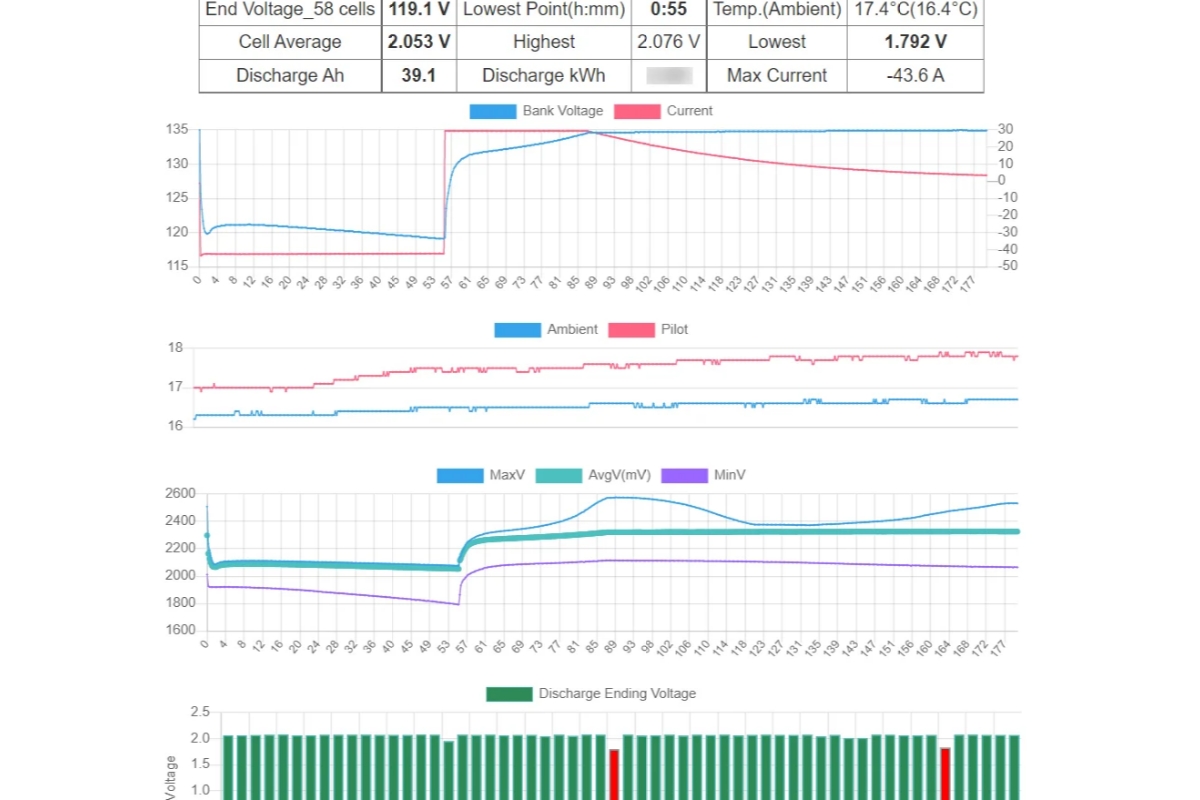
Part#8 – Load Test
- Static IP setting
- SCADA data verification
- PI System integration
- DNP3 Protocol
Workflows
Part#9 – Data-driven Battery Services
- Understand Data and Alarm
- Handle alarm promptly and correctly